Blog

Blog is also can be called as weblog. It is an online journal or can be explained as information about a topic in a website and it has been shown in reverse chronological order; that means the first post will appear last and the latest post will appear at first position. Blog can said as a platform in which users share their views and sights on a website as publicly available. Blog can be started with many reasons; it can be used as personal use, for business use etc. The main purpose of blog is to connect you to the audience. A blog combines text, digital images, and links to other websites, blogs, and other media which are related to the topic.
Blogger

Blogger can be a platform or a service in which the blog has been created and published.Blogging is referred to as writing in a blog. For Example, If a person writes a new post about computer networks. So this person is a Blogger.
How to create a blog using Blogger.com ?
1.Sign-up for Blogger
To create a free blog, head over to blogger.com and login using your Google account. If you don’t have an email account, first create it.
2.Click the create your blog button.
3.sign in to your email id to the sign in text box.
3.For creating new blog first give a title name suitable for your blog
4. Next step type short address that relates to your blog’s title.
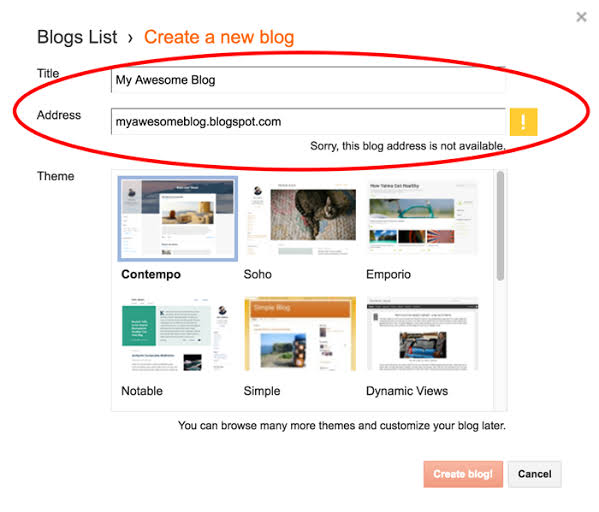
5.Then Select a template from the options listed below that.For first time you should select a default or simple template.
6. Click Create Blog Button.
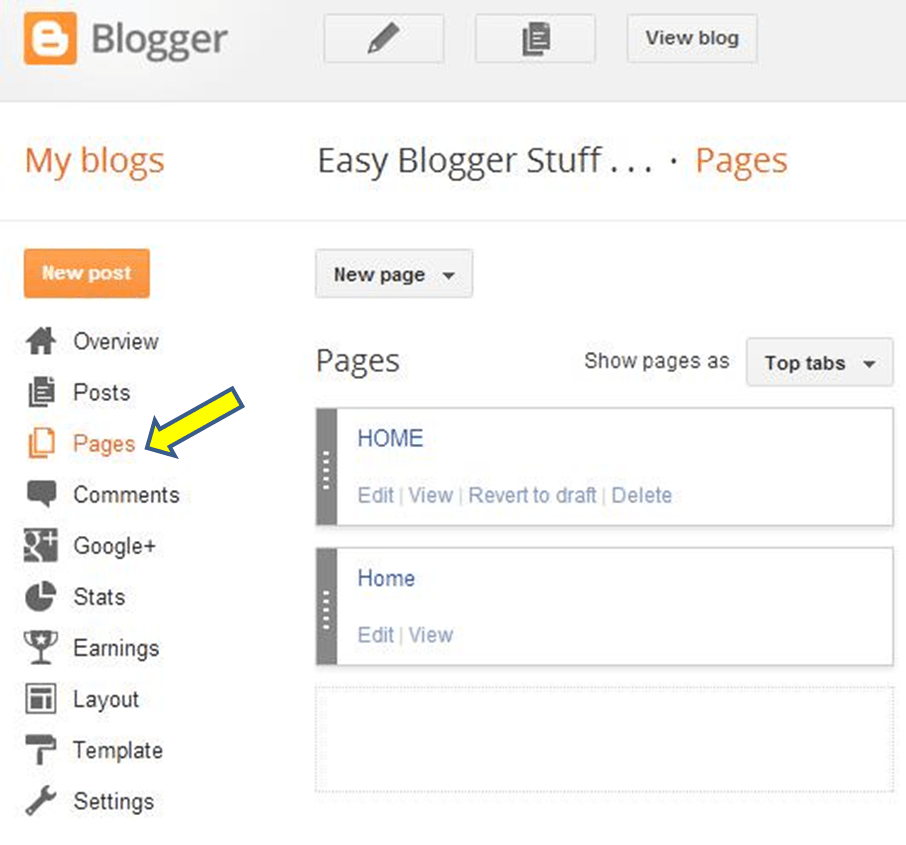
Word press
Word Press is a free website which can be used to create a free webpages. WordPress is mostly used as content management system. WordPress is founted by Matt Mullenweg and Mike Little in May 27, 2003. It is an Open source website which builts in PHP.
Below are some examples of the types of websites buit with wordpress:
- Blog
- News
- Photography
- E-commerce
- Buisness
- Music
- Membership
Get Started with WordPress:
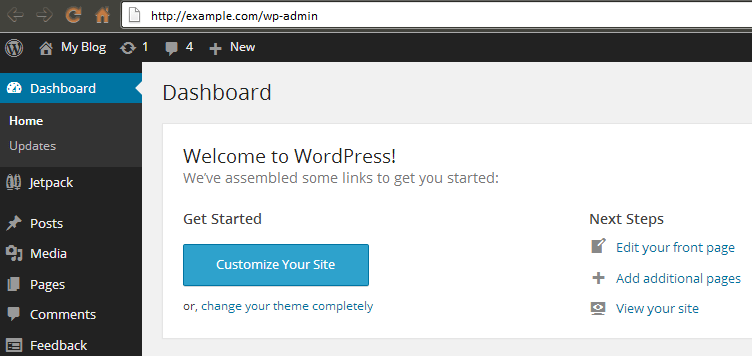
1.Sign up for word press.
2.A window will appear with what kind of website do you want to built.Personal or business website.
3. Select Personal web site .
4.Click Get Started.
5. Select what kind of site are you building. Select Blog.
6. Next window appears with what is your blog about.
7. Select Blogging.
8. A new window appears as tell us your blog’s name.
9.Select a suitable Domain name for your blog.
10. After selecting Domain name start blogging in wordpress.
11. You can select themes by logging into the dash board of the word press.
I think from this blog you got a guideline about “How to create a Free blog: Beginner’s Guide” You can also refer my previous blog A Complete Guide to Google Analytics.
 Sarga SEO Analyst